
Contactless visual QR menu and tableside ordering
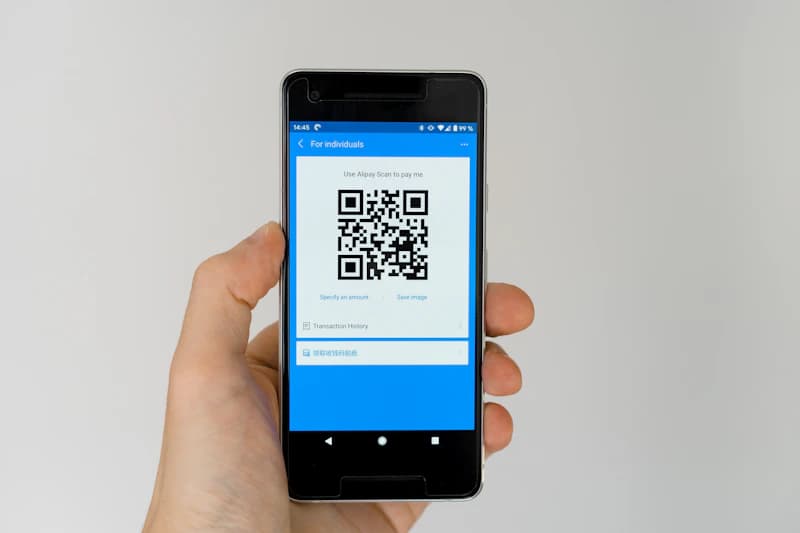
Allow customers to scan table QR codes, browse the interactive menu, place orders, and pay directly from their phones with 0 wait time.

See it in action
From table scan to served in one flow
Watch one order move from the guest's phone through the kitchen and back to the till, or tap Try it yourself and run it as the guest and the chef.
Point camera at table QR
Guest's phone
New
Cooking
T3 · #1041
2× Veg Biryani
COOKINGReady
T5 · #1039
1× Lassi
READYActivity
01Guest scans the table QR
No app, no waiting. The QR opens Table 7's live menu instantly.
Capabilities
Everything you need to optimize operations
Enhance guest convenience and reduce front-of-house staff pressure. Our QR Ordering system places a secure, unique code on every table, lounge chair, or hotel room. Guests order on their own browser without downloading apps.
Table-Specific QR Codes
Generate custom QR codes linked to specific tables, rooms, or cabanas. Orders inject automatically with site details.
✓ No confusion about which table placed which order.
Interactive Mobile Menu
Visual, fast-loading digital menu with high-res photos, ingredient alerts, and category search tabs.
✓ Enables guests to order at their own pace, boosting conversion.
Instant UPI & Card Checkout
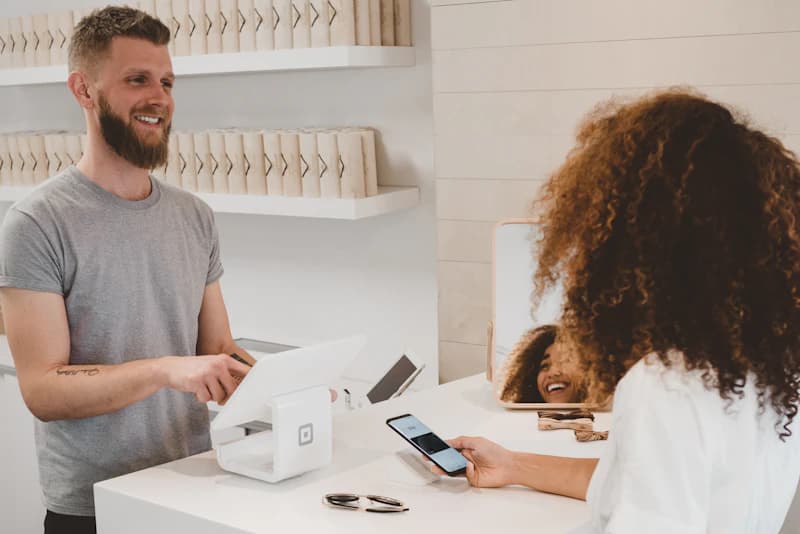
Embed UPI links (GPay, PhonePe) and cards directly on the order screen for instant tableside checkout.
✓ Dine-and-dash risks are completely eliminated.
Call Waiter & Request Bill Button
Guests can request physical waiter support, water, or print checkout bills in one tap from their phone screen.
✓ Improves customer service response times.
Workflow
How it works in 4 simple steps
- 1
Guest sits down and scans the table QR code using their phone.
- 2
Guest selects dishes, configures modifier preferences, and hits checkout.
- 3
Order instantly flashes on POS screen and routes to the kitchen prep display.
- 4
Server serves the food; guest pays online when ready.
Business Impact
Designed to make your operations more profitable
- Boosts sales via automated dessert and modifier upsells
- Reduces front-of-house labor expenses by 30%
- Faster table turns during peak weekend rush hours
- Allows easy guest menu edits without reprinting paper inserts
Perfect for
FAQs & Help Desk
Do guests need to download an application to order?
No. The QR scanner redirects guests to a responsive web page that loads in under 1 second on any browser.
Can I disable online payment and let guests pay at the counter?
Yes. You can configure the system for 'Order Only' where guests pay the cashier via cash/card at checkout.
How does the kitchen know the order came from QR?
The kitchen ticket prints with a clear stamp showing 'QR Order' and the respective table number.
Get started today
Your first POS terminal is free. Forever.
Join 2000+ businesses running smarter with Parchika. No credit card. No setup fee. Live with 0 downtime.
Free plan includes 1 outlet · 1,000 bills a month · No credit card · Cancel anytime